 ·Built for Australian construction trades
Tenders done in minutes, not hours.
Built for contractors.
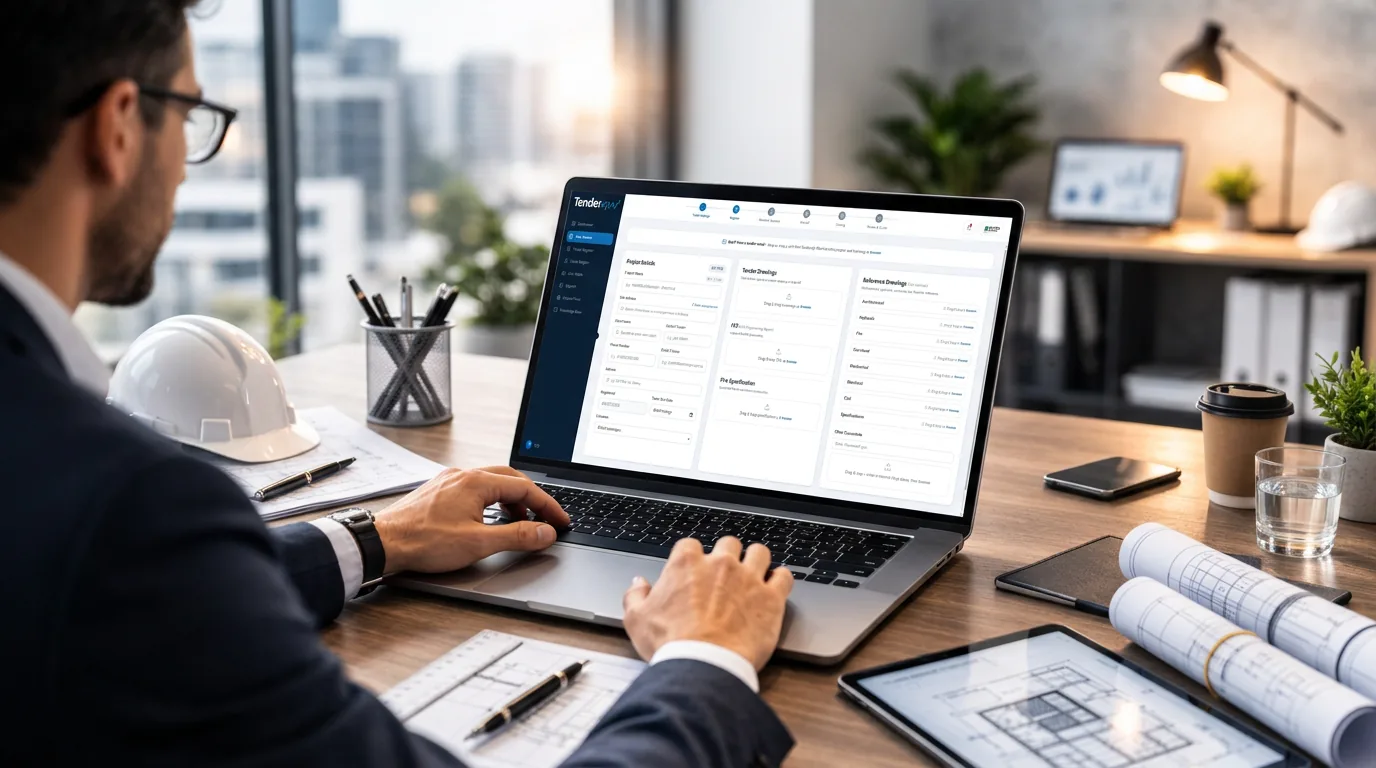
Drop the builder's invitation email in and Tenderup does most of the work for you — take-off, costing, sub-trade Request a Quote & supplier quotes all automatically import into Tenderup, and the quote document is sent. You review every step.
Invitation to tender — Marina Quarter
Northline Constructions · 4 attachments
Project Details
Dry FireProject
Client
Contact
Tender closes
Nobody typed a thing. Every field stays editable.
Drop the builder's invitation email in — the tender writes itself.
See it in 39 seconds.
From the drawings landing on your desk to a quote that is ready to send.
Find your trade
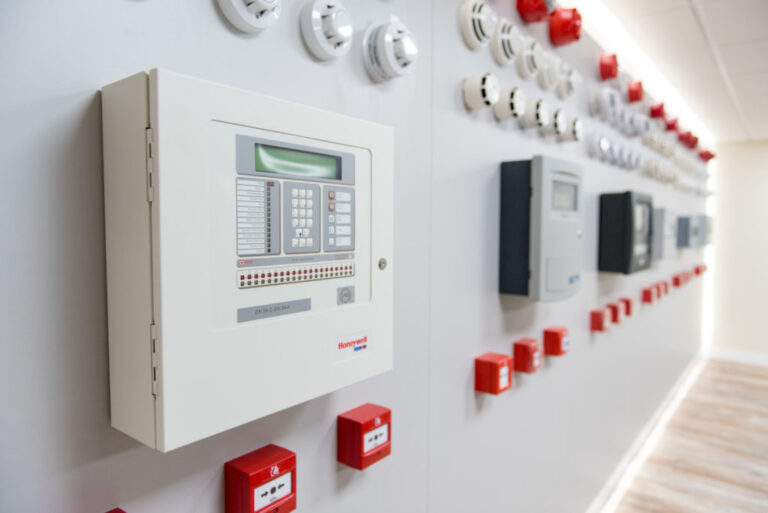
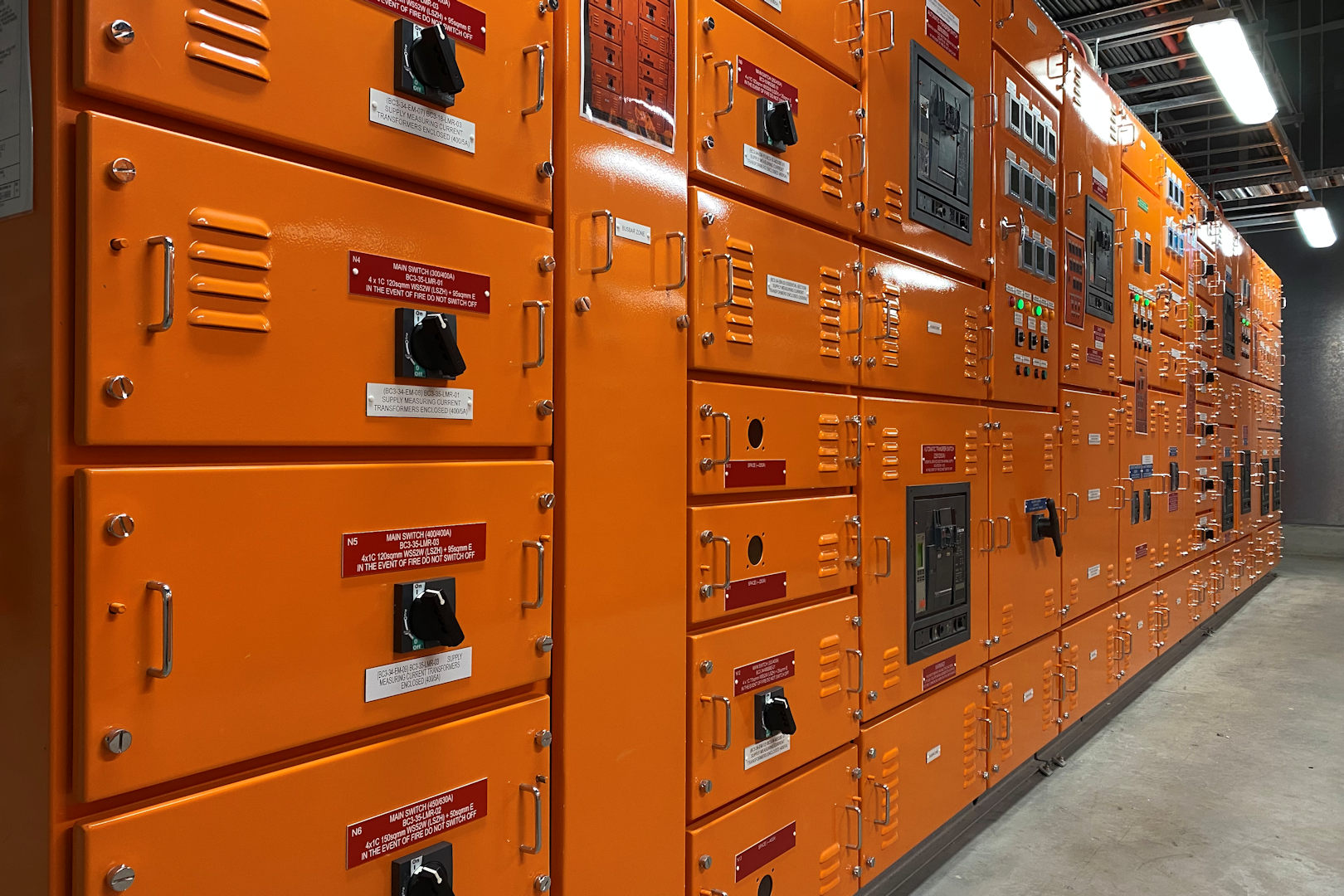
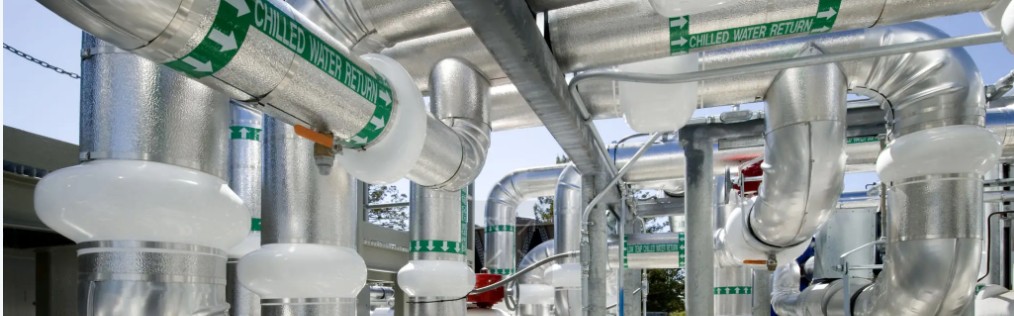
Tenderup is one platform across four trades. Fire and Electrical are live today. Hydraulic and Mechanical are in early access — put your name down and we will build with you.

How Tender Up Works
 STEP 01
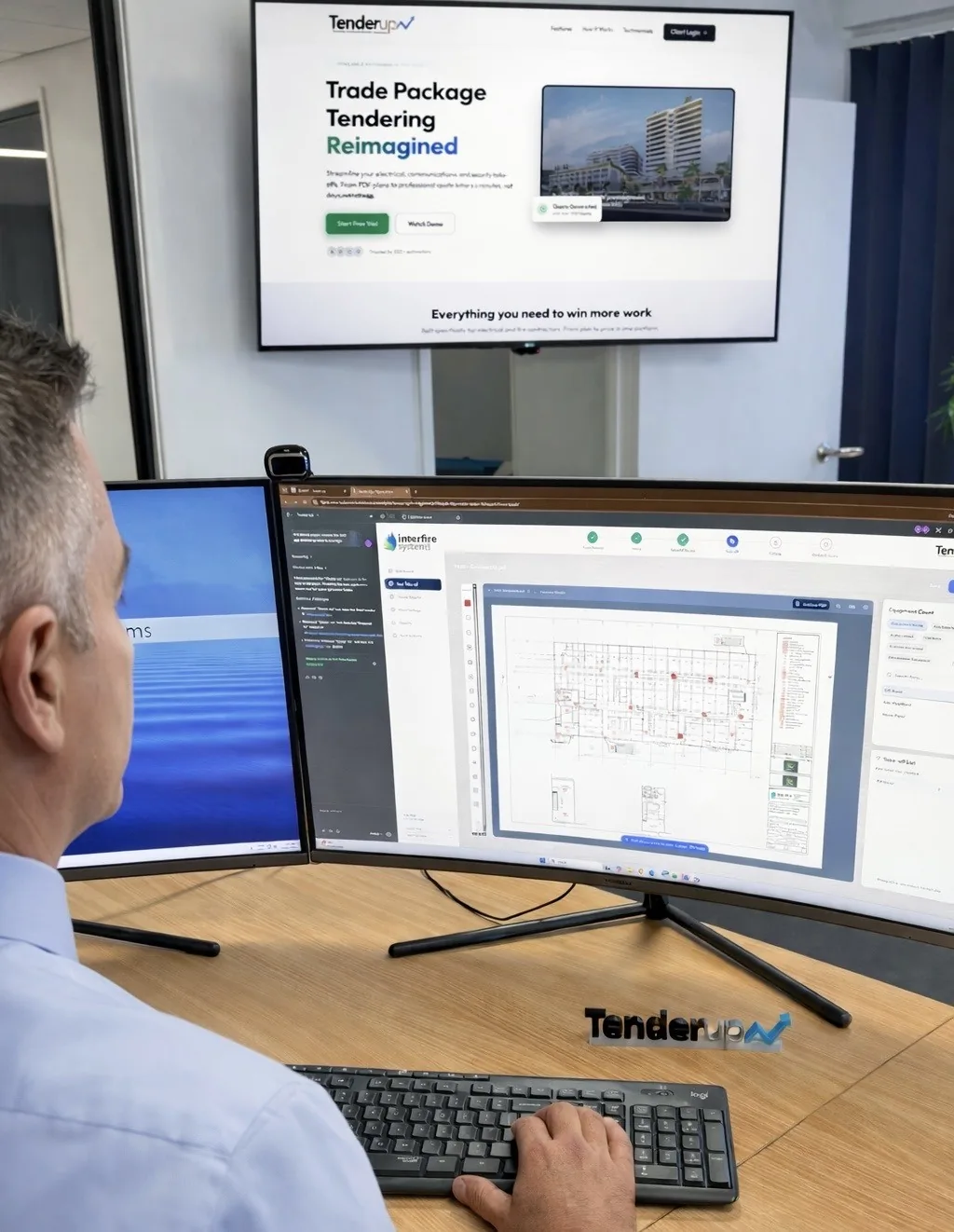
Upload plans & specs
Drag and drop your PDF drawings and specification. firefindAI runs a full auto-detection. On fire jobs it also reads the fire engineering report and builds an FER checklist — no more reading hundreds of pages.
 STEP 02
AI Take-off → Costing
FirefindAI's auto-detection converts straight into a completed take-off and flows into your costing page.
 STEP 03
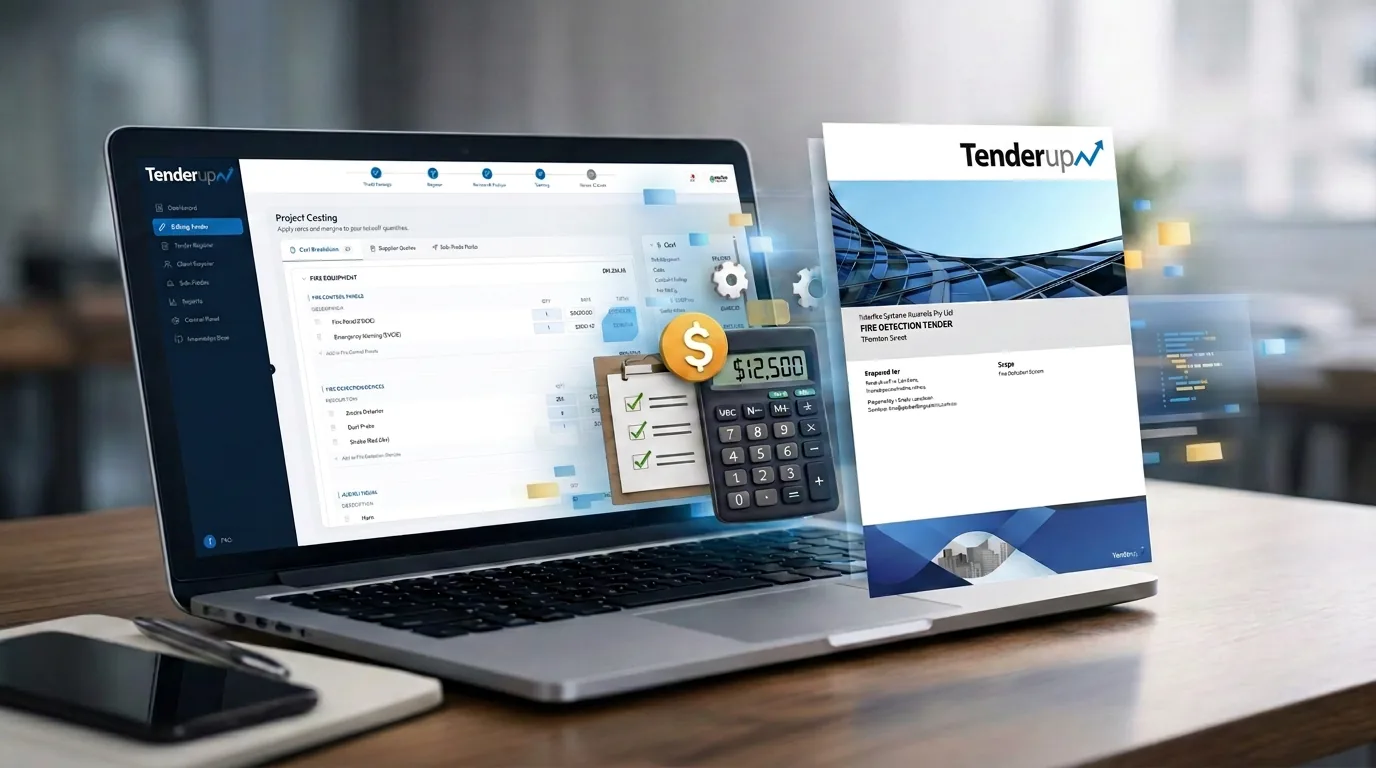
Review & Send
Your costing is already done — just review and make any changes to suit. Then your quote is generated automatically and you press send.
Every tender in one place
Track every job from draft to won — status, value and win rate at a glance. Your whole pipeline on one screen.
 /Tender Register
24
Active tenders
61%
Win rate
$2.4M
Pipeline value
| Tender ID | Project Name | Address | Client | Trade | Estimator | Status | Total (ex GST) | Date Received | Due/Sent Date |
|---|---|---|---|---|---|---|---|---|---|
| TU-0241 | Kirra Point Development | 14 Seaview Pde, Kirra QLD | Coastal Builders | Dry Fire | Brody L. | Won | $182,400 | 02 May | 12 May |
| TU-0238 | Riverside Private Hospital S2 | 88 River Tce, Southport QLD | Northline Construction | Wet Fire | Adam L. | Pending Approval | $415,900 | 19 May | 28 May |
| TU-0236 | Regional Airport Terminal 2 | Terminal Dr, Coolangatta QLD | Sandbar Group | Dry Fire | Brody L. | Quoted | $96,750 | 24 May | 02 Jun |
| TU-0233 | Headland RSL Club | 3 Headland Rd, Burleigh Heads QLD | Kestrel Builders | Comms | Adam L. | Draft | $54,200 | 29 May | 05 Jun |
| TU-0229 | Parkside Retail Centre | 210 Parkside Bvd, Robina QLD | Verity Constructions | Electrical | Brody L. | Won | $238,000 | 11 Apr | 21 Apr |
| TU-0225 | Northgate Town Centre | 45 Northgate Way, Nerang QLD | Harbourline Projects | Security | Adam L. | Lost | $327,500 | 04 Apr | 15 Apr |
Example view — your tenders, statuses and values, always up to date.
No consultant drawings? Design it yourself.
On a Design & Construct job there is no consultant layout to read — so Tenderup gives you the drawing board. You place the devices, and what you place becomes the take-off.
- Place devices with your own CAD symbols — the same blocks that go on the drawing.
- Calibrate the drawing to scale, then measure real lengths and areas as you design.
- Every symbol you place is counted — the design IS the take-off, straight into costing.
- Design one typical floor and apply it across the levels it covers.
Tenderup does not auto-design. FirefindAI reads consultant drawings; in Design & Construct you place the devices and stay in control of the design.
Symbol libraries
The symbol libraries are built for every trade — each drawn to the Australian Standard the design is certified against.
- Dry fireAS 1670.1 · AS 1670.4
- Wet fireAS 2118.1 · AS 2419.1
- ElectricalAS/NZS 3000 · AS 2293
- SecurityAS 2201
- Comms / DataAS/NZS 3080 · AS/NZS 3084
- HydraulicAS/NZS 3500 · AS 5601
- MechanicalAS 1668 · AS/NZS 3666
Every placement counts into the take-off — and onto the drawing you hand back.
Stop Counting, Start Winning
Say goodbye to tedious manual counts and quoting errors. Tenderup will automatically count and complete your take-off with a press of a button.
Real-Time Sync
Every click updates your bill of materials instantly
FirefindAI Detection
AI counts every symbol — no manual tallying
Save Hours
Turn days of work into minutes with automation
Time to Complete Take-off
Same project, dramatically different results
Traditional Method
Manual Counting
Printing plans, counting manually, entering into spreadsheets
With Tenderup
Automated Take-off
Upload the PDF, firefindAI counts, you review. No manual tallying.
Time Saved Per Project
7 hours 15 min
The tender does not stop at the take-off
Chasing sub-trades and re-typing supplier quotes is where the working week actually goes. Tenderup sends the Request a Quote and reads the quotes back into your costing — both inside the same tender.
Send the sub-trade Request a Quote
Split the job into sub-trade packages and get them out to your sub-contractors without leaving the tender.
- Build the sub-trade packages straight off the take-off — no re-scoping in a separate spreadsheet.
- Drawings, scope and return date go out attached to the Request a Quote.
- See who has been invited, who has opened it and who has come back, inside the tender.
Supplier quotes automatically read into costing
A supplier quote lands, Tenderup reads it and matches it to the lines you have already priced. You review the difference instead of re-keying the quote.
- Any supplier quote is read automatically and matched to your lines.
- Uploaded quotes attach to the tender, ready to price against.
- Apply a supplier price and the tender total updates — nothing gets re-typed.
Any supplier's quote is read automatically and matched to your lines, then attached to the tender.
Where you work: take-off and costing are built for a desktop or laptop screen — that is where the drawings live. Tracking your tenders, Request a Quote responses and quote statuses works on a phone or tablet.
Full Onboarding & Implementation Support
We don't just hand you software and wish you luck. Every subscription includes personalised one-on-one meetings to customise Tenderup to match your company's unique estimating processes.
Discovery Call
We start with a comprehensive video meeting to understand your current estimating workflow, pain points, and specific requirements.
Custom Configuration
Our team configures tender templates, trade packages, custom fields, and pricing structures to perfectly match how your business operates.
Team Training
Live training sessions with your estimators and project managers to ensure everyone is confident using the platform.
All Sessions Saved to Your Knowledge Base Library
Every onboarding meeting, training session, and custom configuration walkthrough is recorded and stored in your dedicated Knowledge Base library. Your team can revisit these sessions anytime, ensuring everyone stays aligned on your company's specific processes and best practices.
Bring a drawing.
Leave with a tender.
Book a demo and bring one of your own jobs. We will run the take-off, the costing and the Request a Quote on your drawing while you watch — not on a canned example.
Questions first? Talk to us — or read the FAQ.